 Skip to content
YOUR NEW PREMIUM IPTV
STREAMING EXPERIENCE
Enjoy unlimited access to live channels, movies & series in stunning 4K. Ultra-stable servers, instant account delivery, and support for every device you own.
 Firestick
 Android
 Smart TV
 Windows
 Apple
Apple























Trusted by Thousands Worldwide
Netflix
Hulu
NBA
NFL
Prime
Disney+
How does it work?
Stream Unlimited Movies and TV Shows On-Demand































Not Satisfied ? Cancel at Anytime and Get Your Money Back











+ 1 Month free
Save 60%
($5.99/mo)
- Netflix, HBO and more
- HD/FHD/4K/8K IPTV
- +50,000 Live & Sports Channels
- +100,000 Worldwide Movies & Series
- PPV Channels (UFC, NBA, NFL...)
- Works on all devices
- Antifreeze 10.0
- TV Guide (EPG)
- Regular updates
- Technical Support
- 30-Day Money-Back Guarantee
- Fast Delivery
- Including 👇



($8.33/mo)
- Netflix, HBO and more
- HD/FHD/4K/8K IPTV
- +50,000 Live & Sports Channels
- +100,000 Worldwide Movies & Series
- PPV Channels (UFC, NBA, NFL...)
- Works on all devices
- Antifreeze 10.0
- TV Guide (EPG)
- Regular updates
- Technical Support
- 30-Day Money-Back Guarantee
- Fast Delivery
- Including 👇
($9.99/mo)
- Netflix, HBO and more
- HD/FHD/4K/8K IPTV
- +50,000 Live & Sports Channels
- +100,000 Worldwide Movies & Series
- PPV Channels (UFC, NBA, NFL...)
- Works on all devices
- Antifreeze 10.0
- TV Guide (EPG)
- Regular updates
- Technical Support
- 30-Day Money-Back Guarantee
- Fast Delivery
- Including 👇
- Netflix, HBO and more
- HD/FHD/4K/8K IPTV
- +50,000 Live & Sports Channels
- +100,000 Worldwide Movies & Series
- PPV Channels (UFC, NBA, NFL...)
- Works on all devices
- Antifreeze 10.0
- TV Guide (EPG)
- Regular updates
- Technical Support
- 30-Day Money-Back Guarantee
- Fast Delivery
- Including 👇
Savings Calculator
| Service | Monthly | Yearly |
|---|---|---|
| Netflix | $25 | $300 |
| Hulu + Disney+ | $20 | $240 |
| Prime Video | $18 | $216 |
| HBO Max | $21 | $252 |
| Apple TV+ | $13 | $156 |
| Cable TV | $108 | $1,296 |
| PPV (2/mo) | $40 | $480 |
| Total | $245 | $2,940 |
| TVHUB4K (12 months) | $4.99 | $59.97 |
Feel the adrenaline of every live sports match and premium Pay-Per-View event – all in stunning HD and 4K quality.

















Watch sports, movies, and series endlessly, wherever you want.
★ No monthly bills for unlimited entertainment.
★ No expertise needed for installation.
★ Technical support at your service 7 days a week.
★ Frequently updated content.
★ EPG and carefully organized bouquets.
★ Compatible with all your devices.
★ Satisfaction Guaranteed or Your Money Back!
Select your IPTV Plan
Experience the #1 Streaming Service Online
+ 1 Months free
Save 60%
($5.99/mo)
- Netflix, HBO and more
- HD/FHD/4K/8K IPTV
- +50,000 Live & Sports Channels
- +100,000 Worldwide Movies & Series
- PPV Channels (UFC, NBA, NFL...)
- Works on all devices
- Antifreeze 10.0
- TV Guide (EPG)
- Regular updates
- Technical Support
- 30-Day Money-Back Guarantee
- Fast Delivery
- Including 👇
($8.33/mo)
- Netflix, HBO and more
- HD/FHD/4K/8K IPTV
- +50,000 Live & Sports Channels
- +100,000 Worldwide Movies & Series
- PPV Channels (UFC, NBA, NFL...)
- Works on all devices
- Antifreeze 10.0
- TV Guide (EPG)
- Regular updates
- Technical Support
- 30-Day Money-Back Guarantee
- Fast Delivery
- Including 👇
($9.99/mo)
- Netflix, HBO and more
- HD/FHD/4K/8K IPTV
- +50,000 Live & Sports Channels
- +100,000 Worldwide Movies & Series
- PPV Channels (UFC, NBA, NFL...)
- Works on all devices
- Antifreeze 10.0
- TV Guide (EPG)
- Regular updates
- Technical Support
- 30-Day Money-Back Guarantee
- Fast Delivery
- Including 👇
- Netflix, HBO and more
- HD/FHD/4K/8K IPTV
- +50,000 Live & Sports Channels
- +100,000 Worldwide Movies & Series
- PPV Channels (UFC, NBA, NFL...)
- Works on all devices
- Antifreeze 10.0
- TV Guide (EPG)
- Regular updates
- Technical Support
- 30-Day Money-Back Guarantee
- Fast Delivery
- Including 👇
installation Guide
Follow the instructions below based on your device. Setup usually takes only a few minutes.
Compatible With All Devices
Our IPTV service is compatible with Smart TVs, Android & iOS devices, Firestick, MAG, Windows, Mac, and more – stream without limits.









Enjoy unlimited streaming of live matches

















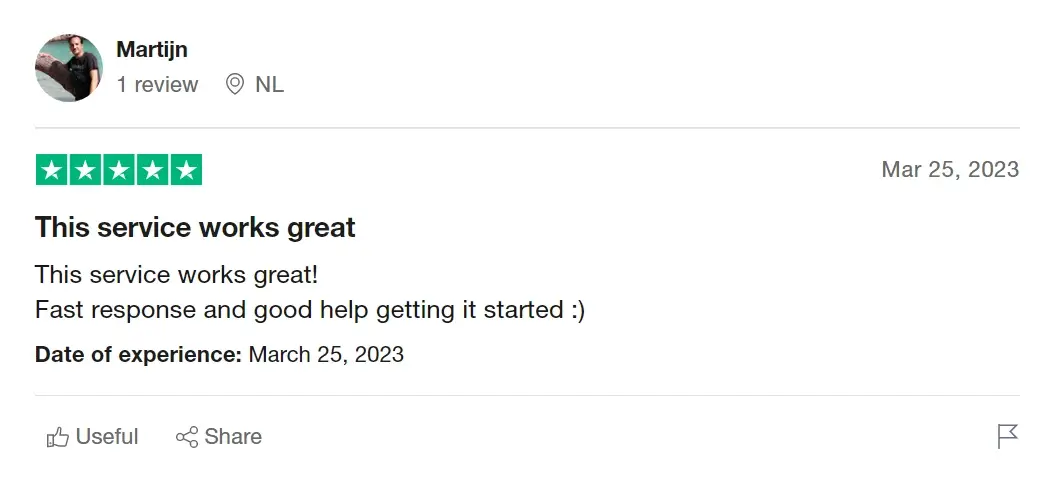
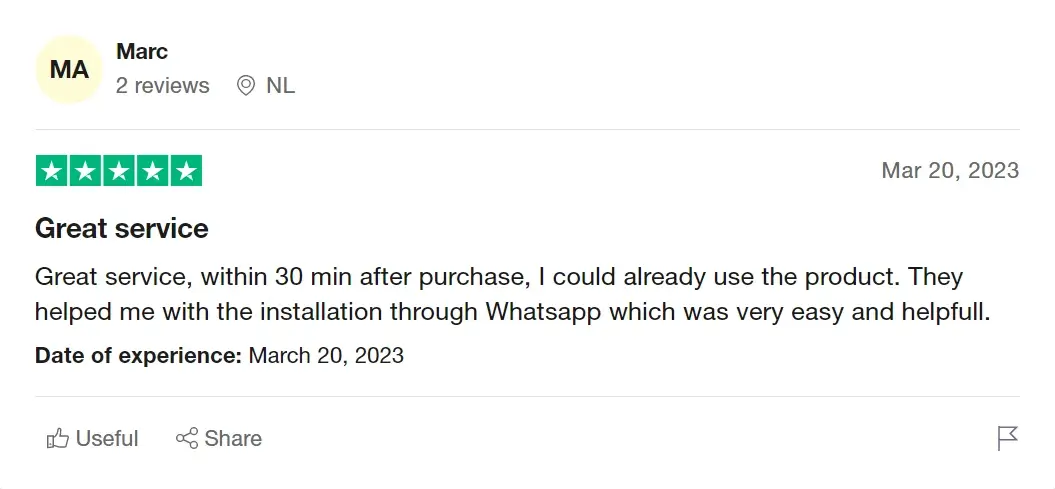
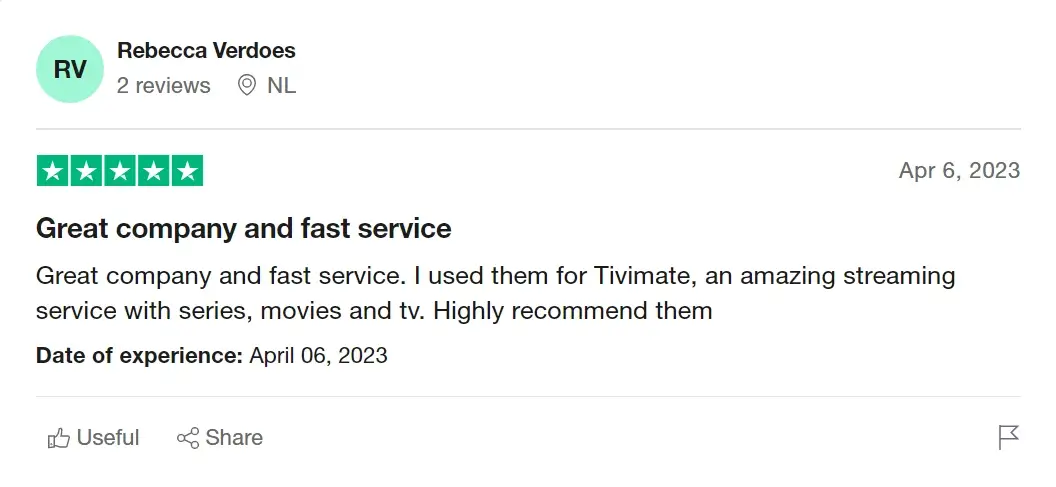
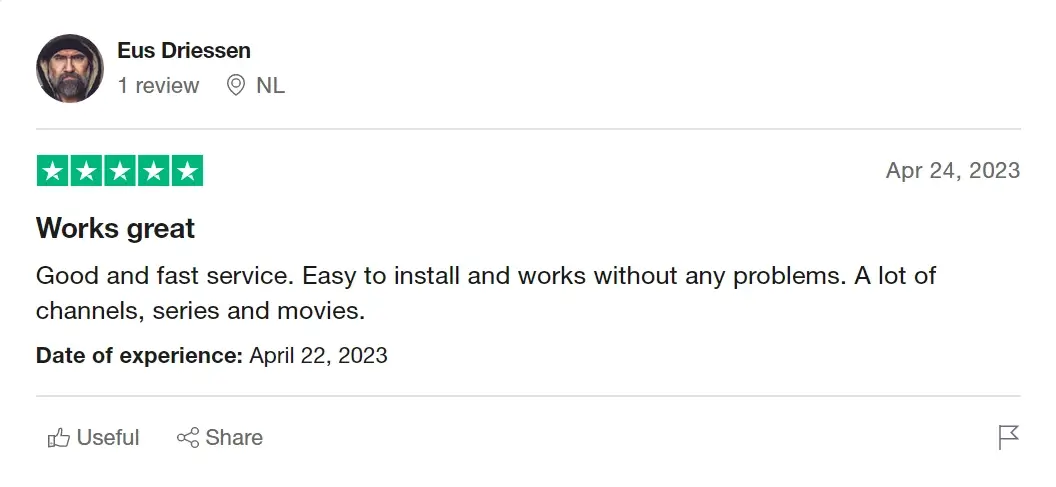
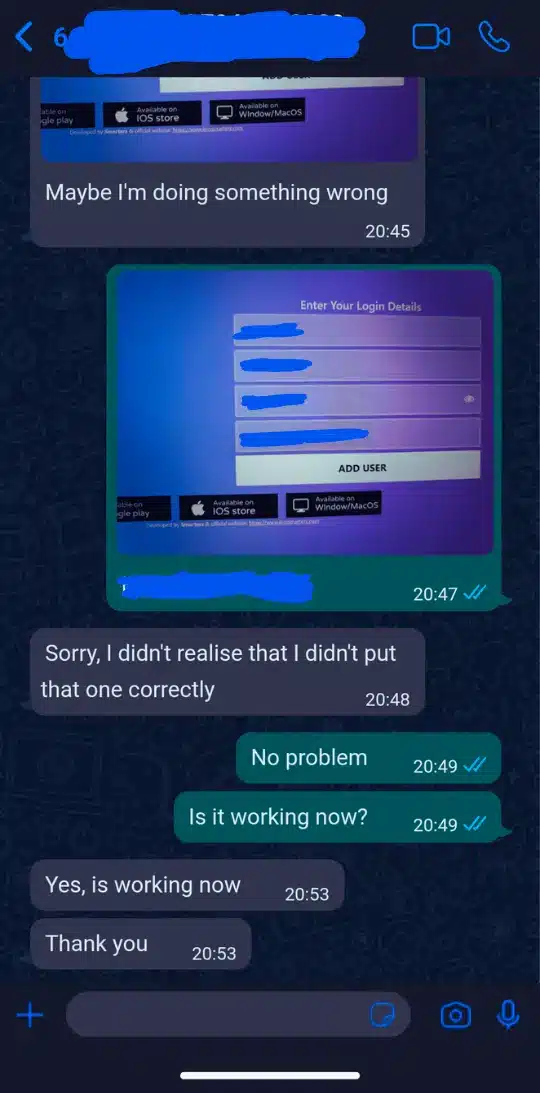
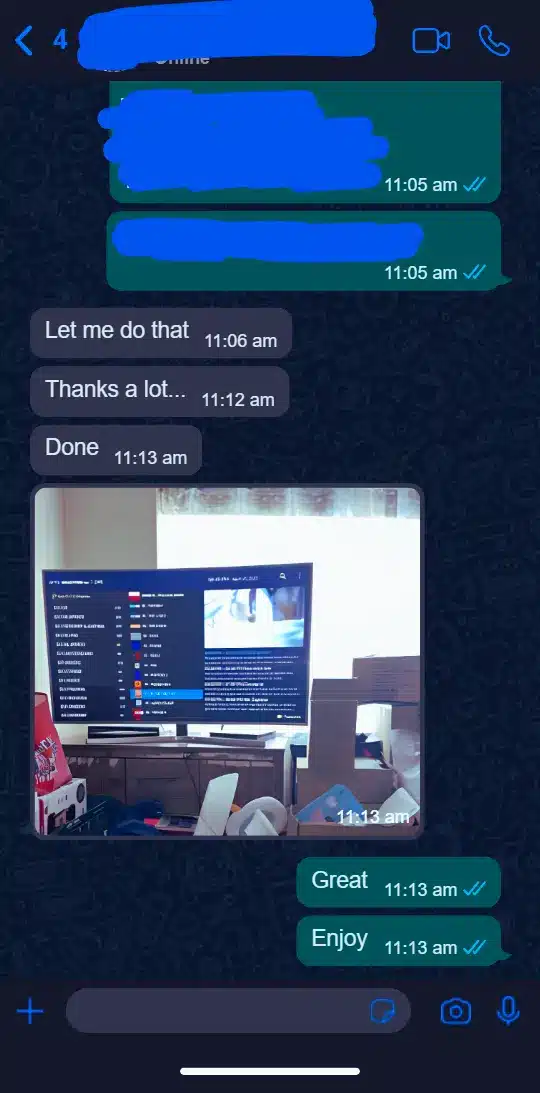
Hear from Our IPTV Subscribers

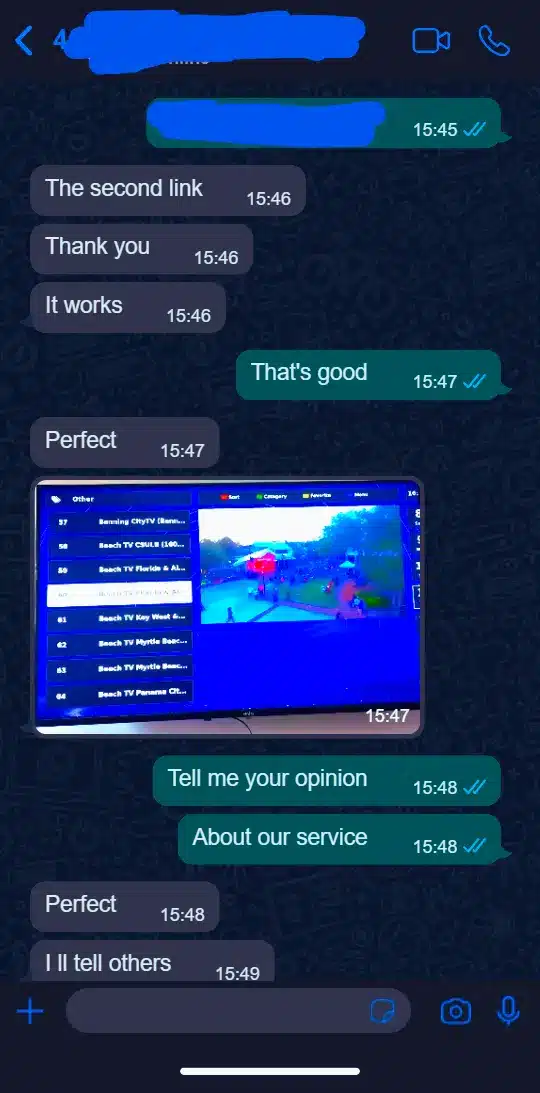
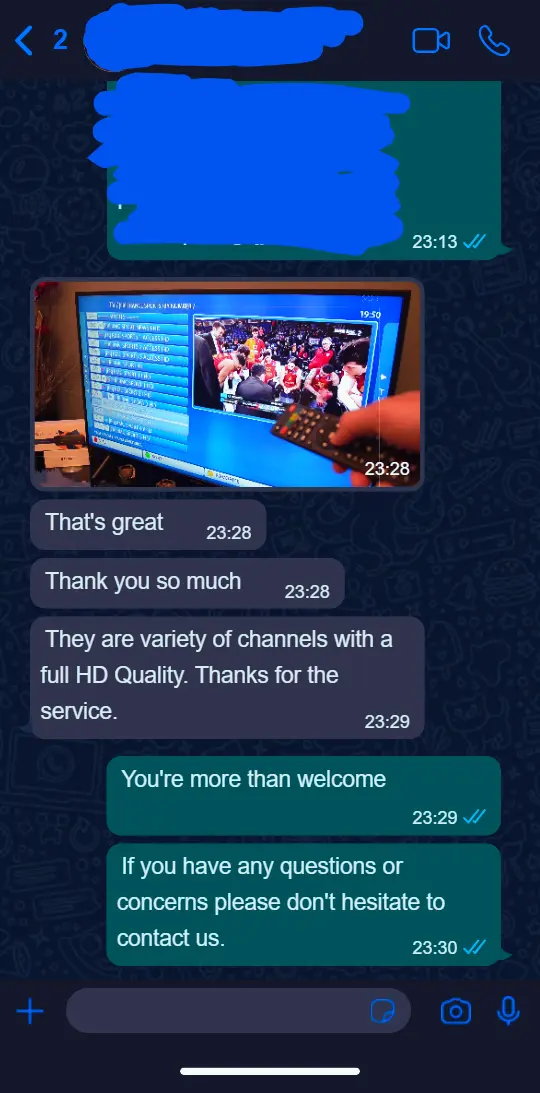
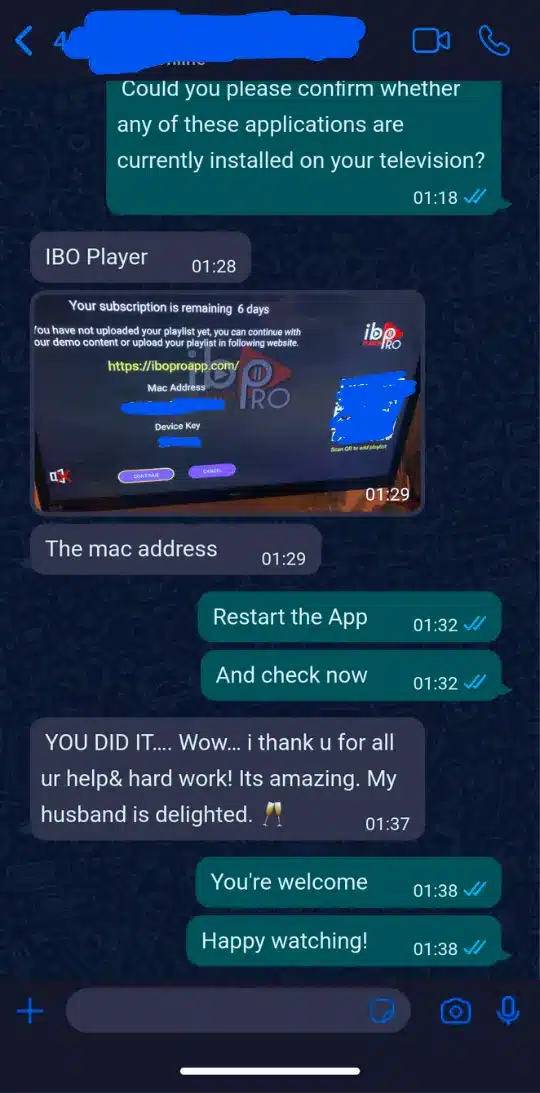
WHY CHOOSE US
We combine premium content, rock–solid technology and real human support to give you a streaming experience that feels effortless every single day.
Ultra-Stable Servers
Enterprise-grade servers with anti-freeze optimization so matches, movies and shows play smoothly – even at peak hours.
4K / FHD Quality
Crystal-clear 4K & Full HD channels, huge VOD library and fast zapping between channels for a real premium streaming experience.
Instant Setup & Support
Receive your account details in minutes and get friendly support to help you install on any device: TV, phone, tablet or box.
Frequently Asked Questions (FAQ)
Yes, we do offer a multi-device subscription! You can enjoy our service on multiple devices simultaneously. For more details and pricing options, please visit our Multi-Device Subscription Pricing.
Once you place your order and the payment is confirmed, you will receive two emails from us:
- First Email: Sent instantly, containing the invoice and login details for trial orders.
- Second Email: Sent shortly after, containing the login details and setup instructions. If you don’t find it in your inbox, please check your spam/junk folder.
In rare cases, it may take up to 8 hours to deliver your order.
If you placed your order and haven’t received the email with the login details within 8 hours, please check your spam/junk folder. If you still cannot find it, contact us via:
- Phone: +1 (307) 9002888 (sms)
- Email: contact@tvhub4k.com
- Live Chat:Contact customer service via the WhatsApp button in the lower right corner
You can use up to 6 devices simultaneously, depending on your order. When selecting the duration, you must also select the number of connections you need. Each connection represents the number of devices you can use simultaneously.
Yes, we recommend using a VPN with our service. A VPN can help bypass any network restrictions or blocks that might affect your IPTV streaming experience. It also enhances your privacy and security while streaming. Please ensure your VPN is configured correctly and connected before using our service.
Yes, we do offer refunds under certain conditions. Please check our Refund Policy for more details.
There are several reasons for a debit/credit card transaction failure, which may be caused by the website, our bank, or the issuing bank. If you encounter a payment failure, please try the following methods:
- Double-check the card number, validity date, and VCC, then try again.
- Try another card.
- Use PayPal, which has a high success rate.
- If you don’t have PayPal, choose PayPal as the payment method at checkout, then click on debit/credit card and enter the required information.
- Contact customer service via the WhatsApp button in the lower right corner, and we will send you a direct invoice via email.
You will need:
- A Smart TV, Android/Apple device, Firestick, Magbox, Nvidia Shield, Smartphone, or Computer/PC
- An internet connection
With these, you can subscribe and get connected immediately.
No, when you buy your IPTV subscription from us, you are free to use the service for the purchased duration. If you decide not to renew your subscription or use our service anymore, you are free to do so.
There are no performance issues. Our IPTV works worldwide as long as you have an internet connection. If you experience any issues, please contact us, and we should respond within an hour or less during working hours.
We only store the data you provide while signing up, including:
- Your name to create your account.
- Your email address to send you the login details.
- Your phone number to contact you via WhatsApp if we cannot reach you via email for any reason.
We do not store any payment details. We do not send promotional emails or SMS.
One subscription can be used on multiple devices, but you can watch only on one device at a time unless you purchase additional connections.
Our service supports various devices, including Smart TVs, Android TV boxes, Firestick, smartphones, tablets, computers, and more.
After subscribing, you will receive configuration instructions via email. These instructions will guide you on how to set up IPTV on your specific device.
If you experience buffering or streaming issues, please check your internet connection, restart your device, or contact our customer support for assistance.
- Phone: +1 (307) 9002888 (sms)
- Email: contact@tvhub4k.com
- Live Chat:Contact customer service via the WhatsApp button in the lower right corner
While we can guide you on using third-party apps, please note that we do not control these apps. If you encounter issues with an app, we recommend contacting the app’s support team. However, we are here to help with any setup or service-related issues.

4K TV HUB The catalog of global and European channels in IPTV. Your Top Choice for Unmatched Streaming! guarantees stable service on any device. Join us for a superior, hassle-free entertainment experience!
Quick Links
Policies
Get in touch with us
30 N Gould St Ste N,
Sheridan, WY 82801, USA.
+1 307 900 2888
contact@tvhub4k.com
4K TV HUB LLC 2025 © All rights reserved.
